
Features
Everything you need to keep your builds accessible while slaying demons in Sanctuary
Build Sync
Automatically sync builds from D4Builds directly to your overlay
Always On Top
Overlay stays visible while you play, no alt-tabbing needed
Auto Updates
Get the latest features and fixes automatically
Customizable
Adjust size, position, opacity, and hotkeys to your preference
Lightweight
Minimal CPU and memory usage, no impact on game performance
Safe & Secure
Open source, no data collection, no anti-cheat issues
Screenshots
See the overlay in action
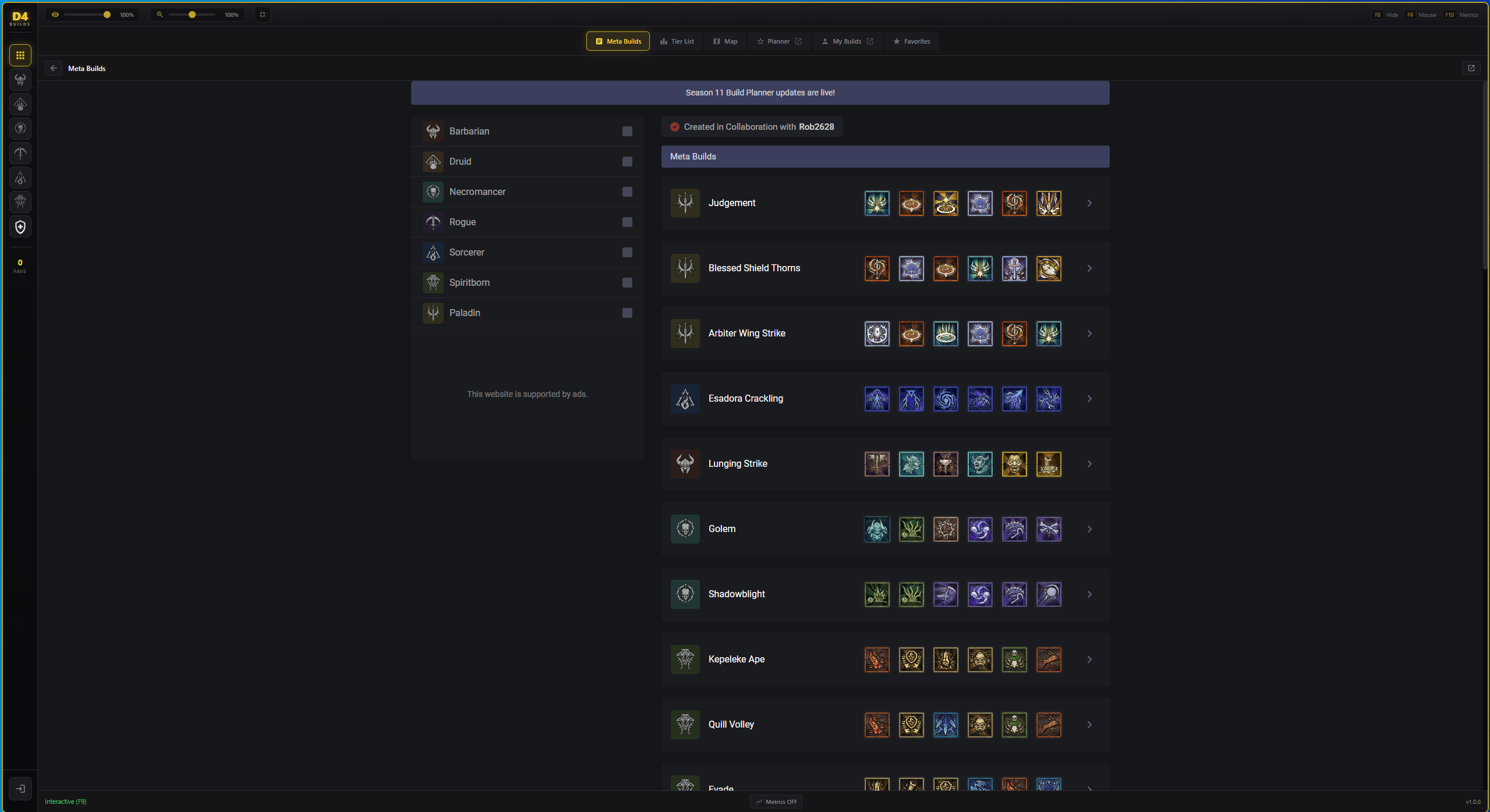
Meta Builds
Browse and sync top-tier builds from D4Builds
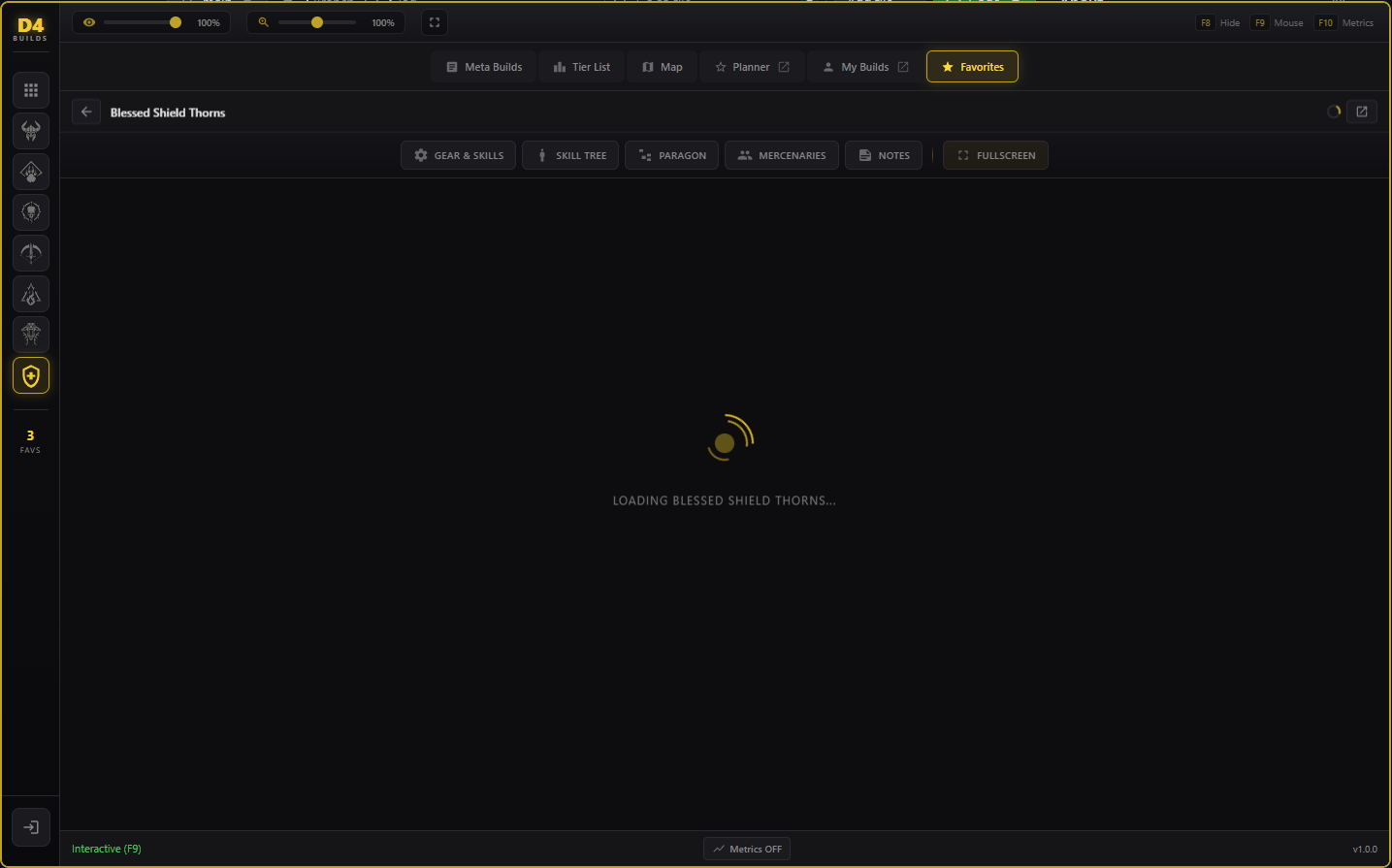
Build Details
View skills, aspects, and paragon info at a glance
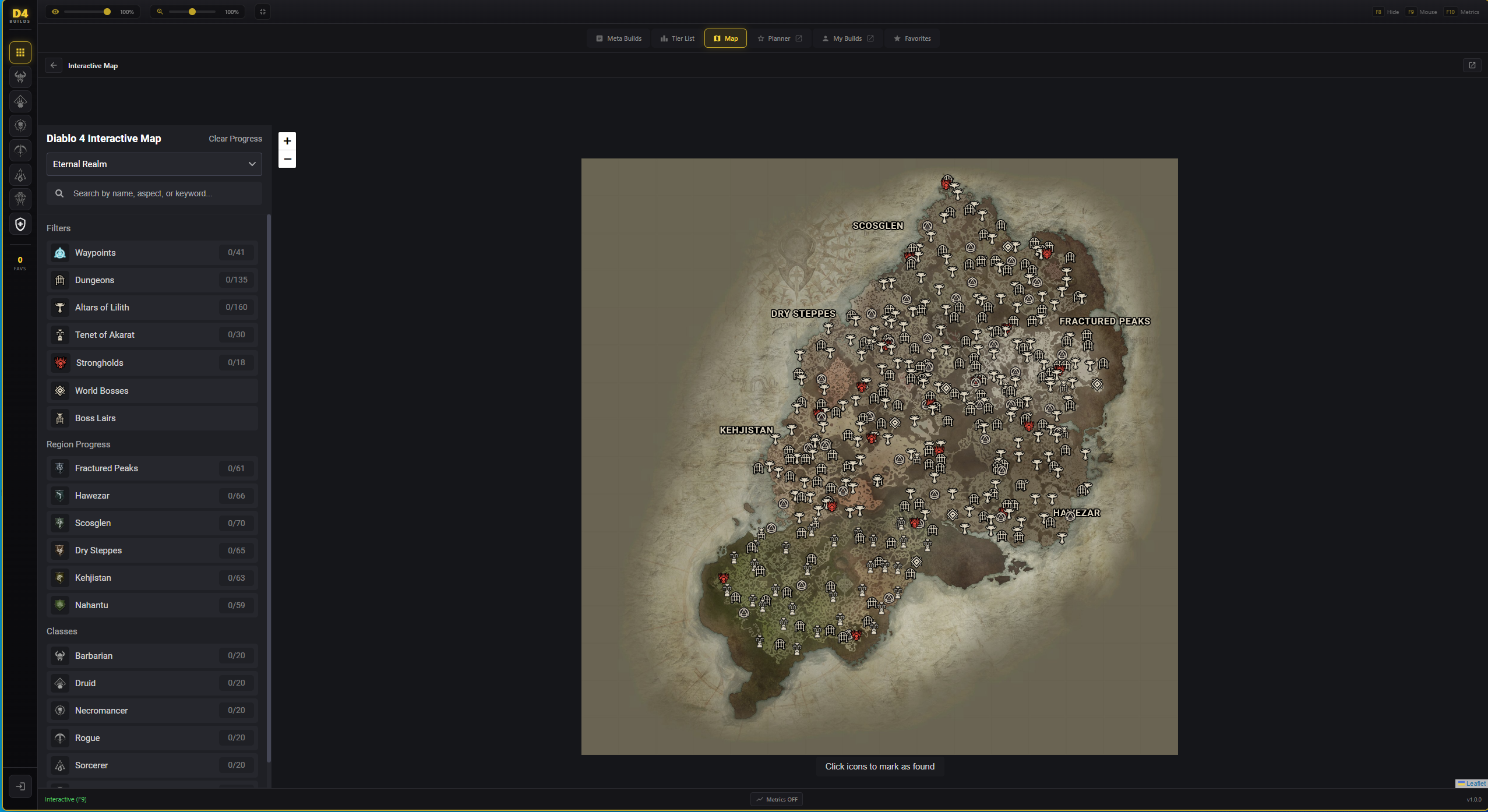
Interactive Map
Navigate Sanctuary with the built-in map
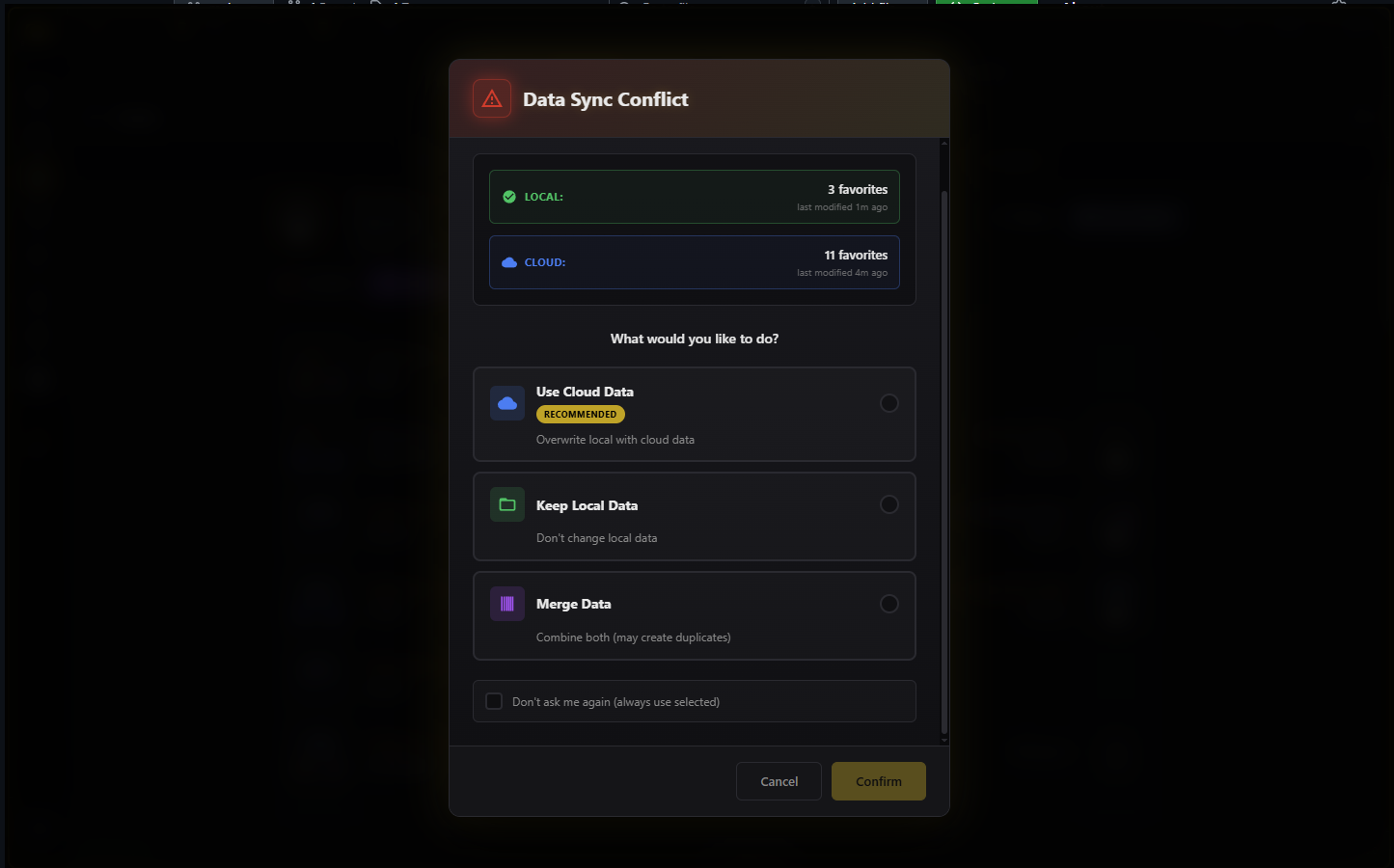
Smart Sync
Handle build conflicts with intelligent merge options
How It Works
Download & Install
Download the installer and run it. The app will install automatically and create a desktop shortcut.
Import Your Build
Copy a build URL from D4Builds or paste a build code. The overlay will parse and display your build.
Play With Overlay
Launch Diablo IV and use the hotkey to toggle the overlay. Customize position and size as needed.